
Traffic Court Records in Talbot County
Georgia keeps no single public citation database. So the first job is reading the ticket. See which court printed its name there. Talbot County's current court pages list no State Court. Where no State Court exists, the Probate/Magistrate office can handle qualifying traffic and misdemeanor matters. Meanwhile, municipal courts hear eligible city traffic and ordinance cases inside their own jurisdictions.
Talbotton's charter establishes a municipal court. Woodland posts a municipal-court clerk plus ticket guidance. A historical service-delivery plan routed law violations in Geneva and Junction City through county court services, though current practice must be confirmed from the citation itself. The issuing court holds the record. That is not always the Superior Court clerk. A traffic docket can show the citation, plea, setting, payment status, order, and final outcome.
Talbot Traffic Tickets Lack One Portal
The Georgia Courts ticket locator points you toward the court or payment provider tied to a citation. It works with a name, the city or county of issuance, and a date of birth. Treat it as a routing tool rather than a complete Talbot County traffic docket. Also expect a wait. A newly issued ticket can take 7 to 21 business days to show up online.
The official locator page displays that provider-by-provider workflow.
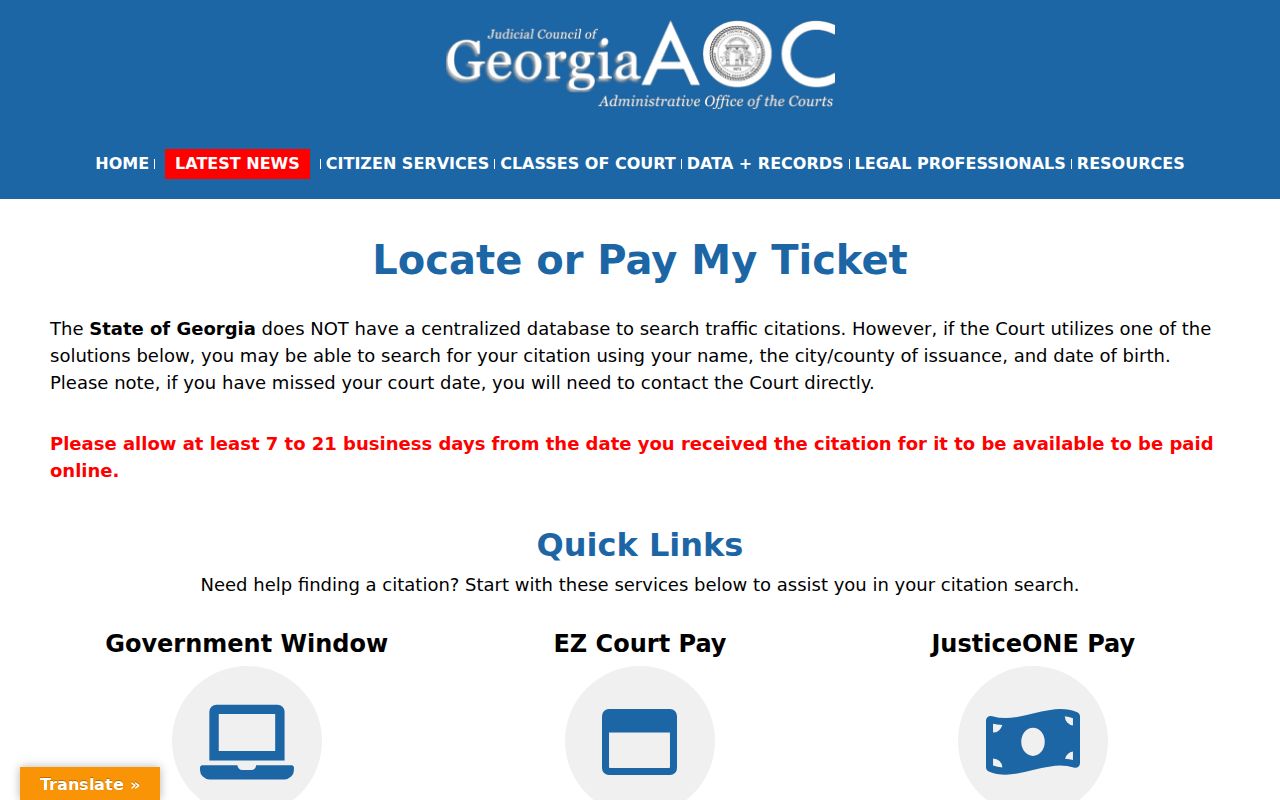
If nothing appears after the stated posting window, call the court listed on the ticket. An empty search result never cancels your appearance date.
How to Look Up a Traffic Ticket
Keep the original citation. It identifies the issuing agency, the court, the citation number, the alleged violation, and your response or appearance information. Talbot providers publish no standard search form, so expect the fields to vary from one court to another rather than assuming any particular setup.
- Read the court name and city or county from the citation. Do not route every ticket to Superior Court.
- Enter the citation number in the named court's provider when one is listed. Keep all letters, digits, and punctuation exactly as printed.
- Without the ticket, try the state locator's supported identity fields. Share date of birth only with the official court or provider and do not republish it.
- Allow 7 to 21 business days for online posting, but do not let that wait pass the printed court date.
- If the record remains missing, call or visit the issuing court's counter and ask for the setting, amount, mandatory-appearance status, and response method.
For county matters, start with Probate at 706-665-8866 or Magistrate at 706-665-3595. The emergency-order clerk number, 706-741-5743, is not a routine ticket-payment line.
Woodland Traffic Court Record Route
Woodland offers the clearest municipal route in Talbot County. The official city page names Municipal Court Clerk Cynthia Powell in her public capacity. It lists 706-674-2200 and places city hall at 49 East Main Street. For traffic-ticket questions, the city-linked Government Window FAQ gives 706-674-2700.
Full payments, per the FAQ, may be made online or by phone. Be careful, though. Paying before court can be treated as a guilty plea. It may also add DDS points to your license. That is payment guidance, not a searchable docket. If an item is missing or past due, keep the citation and call the municipal clerk instead of guessing from a vendor screen.
Finding Your Traffic Court Date
Your citation's appearance information comes first. Confirm it with the issuing court. That matters especially close to the date or after you have asked for a reset. A continuance request moves nothing unless the court grants it. And remember that Superior Court's posted calendars are not a countywide municipal-ticket database.
| Citation number | Enter the exact number from the ticket; no single Talbot format was documented. |
|---|---|
| Court | Talbotton Municipal, Woodland Municipal, or the county Probate/Magistrate route, as the citation states. |
| Date and time | The appearance or response setting; verify directly if online data is late. |
| Courtroom | Use the location supplied by that court. No universal Talbot traffic courtroom was documented. |
| Status | May reflect pending, paid, disposed, or missed-date action, but labels vary by provider. |
Any reset, payment, or outcome belongs in the court record itself. The separate Talbot County court calendar explains the calendar terminology, but only the issuing court can confirm a traffic setting.
Talbotton Traffic Court Confirmation
Talbotton's official charter confirms its authority over eligible city-law and traffic matters. Georgia DDS monthly reports also identify Talbotton Municipal Court by a reporting code, which shows the court transmitted citation information in those months. Neither source works as a public ticket search.
Current contact gap: Talbotton publishes no current official payment form, full docket portal, or exact municipal-clerk contact. Follow the court information printed on the citation, or use the Georgia Courts locator.
The January 2025 DDS report shows one citation reported for Talbotton Municipal Court. That figure is a monthly transmission count. It is not annual filings, total caseload, or proof that any particular ticket exists, so do not use it to gauge how busy the court is.
Paying or Contesting a Ticket
First check whether the citation even allows payment without an appearance. Georgia's official guidance is blunt. Paying can operate as a guilty plea or conviction reported to DDS. To contest the ticket, follow the issuing court's instructions for a not-guilty response. That usually brings a hearing or trial setting. The deadline and the accepted method come from the citation and the court, not from any general county rule.
| Paying the Ticket | Contesting the Ticket |
|---|---|
| May enter a guilty plea or conviction. | Preserves the request for court consideration under that court's process. |
| Confirm that appearance is not mandatory. | Respond by the citation's stated deadline. |
| Use only the issuing court's approved online, phone, mail, or counter method. | Ask where and how to enter the response and obtain the setting. |
Missed Court Date or Payment: Contact the issuing court at once. Georgia guidance says online payment may no longer be available after a missed date, and court action may include failure-to-appear consequences. Do not assume that paying another charge clears a warrant, setting, or licensing action.
Talbot Traffic Payment Source Check
The Georgia.gov payment guidance tells drivers to read the citation, identify the court, and determine whether an appearance is required. The official page lays out that court-by-court approach.
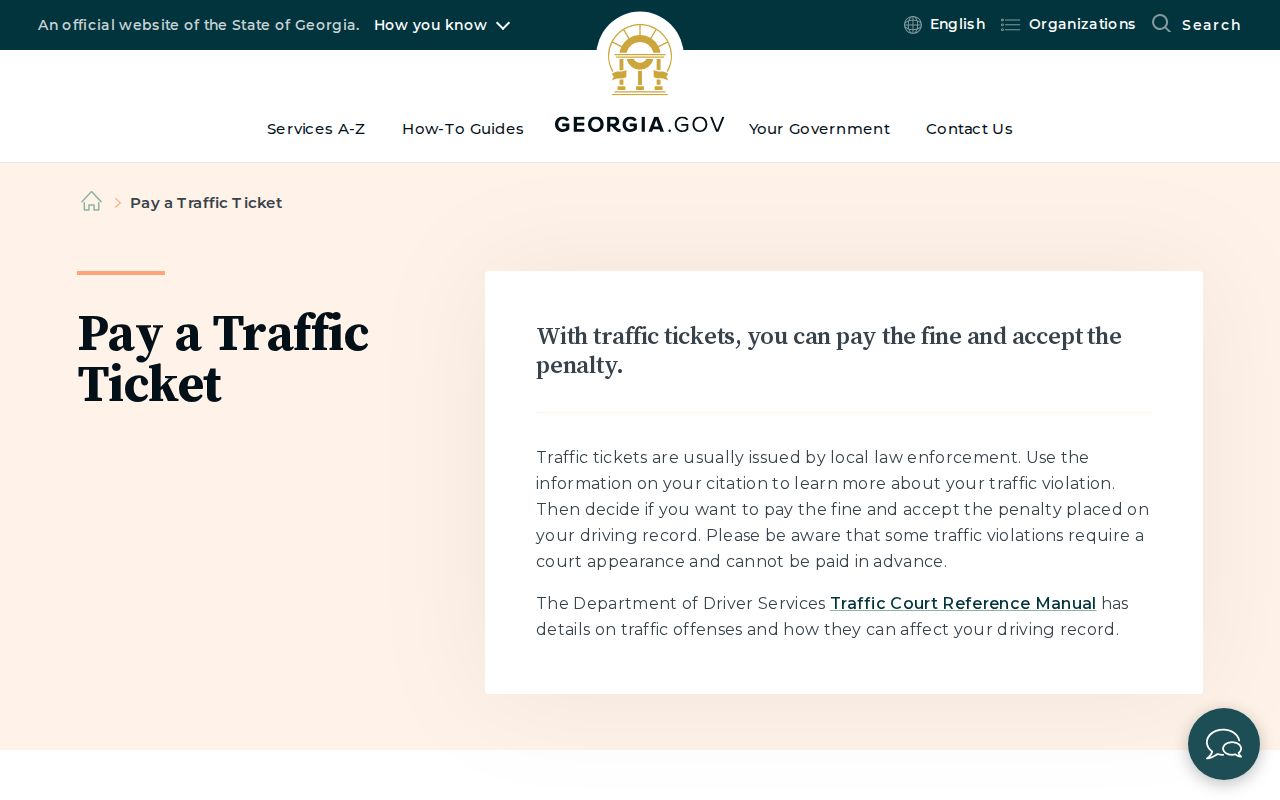
The guidance ties payment to the named court rather than to one Talbot County cashier. It also urges drivers to check the legal effect before sending money. A Super Speeder charge, where it applies, is a separate state surcharge and should not be confused with the local court amount. No Talbot-specific fine schedule or Super Speeder determination table is published, so rely on the court for exact amounts.
Court Traffic Record vs Driver Record
Two offices hold two different traffic files. The issuing court keeps the case-level record for the citation itself. Georgia's Department of Driver Services also keeps a file. It holds a driving history, along with any licensing consequences reported to it. A DDS monthly traffic-conviction report only summarizes those transmissions. It will not reproduce the court docket, and it will not name every local citation.
| Court Traffic Record | DDS Driver Record | |
|---|---|---|
| Kept by | Issuing municipal court or county court office | Georgia Department of Driver Services |
| Shows | Citation, plea, setting, order, fine, and disposition | Qualifying convictions, points, suspensions, and licensing actions |
| Get it from | Court portal, phone, counter, or records request | Official DDS driving-history request channel |
A blank DDS result is not proof that nothing was reported. A transmission row cuts the other way too: it cannot tell you whether a local case is still pending, or what the judge ordered. Ask each office for its own record.
Talbot Traffic Records by Municipality
Where you go depends on the town. Talbotton holds charter-backed municipal authority, though it posts no online payment portal right now. Woodland lists a clerk and ticket contacts for its municipal cases. An older service plan routed law violations from Geneva and Junction City to county service. But that plan's age matters. Confirm with your citation first.
- Talbotton
- Start with the court printed on the citation or Georgia locator. No current city portal or clerk contact was confirmed.
- Woodland
- Use the municipal clerk and Government Window guidance, while recognizing that the FAQ is not a full docket search.
- Geneva
- Use the citation and county Probate/Magistrate fallback. No current city ticket portal was found.
- Junction City
- Use the citation and county Probate/Magistrate fallback. No current city ticket portal was found.
Talbot posts no photo-enforcement notice of its own. That absence proves nothing either way about whether cameras operate here. Any notice you receive should name the issuing agency and court; verify both.
Fees and Copies
Copy fees belong to the issuing court. No Talbot municipal traffic-copy table, record-search charge, local fine table, defensive-driving schedule, deferred-disposition schedule, or failure-to-appear fee is published. Do not borrow the Superior Court fee schedule as a municipal ticket price list.
| Item | Fee | Notes |
|---|---|---|
| Plain traffic-record copy | Confirm with issuing court | Ask whether the charge is per page. |
| Certified traffic disposition | Confirm with issuing court | Specify the case and certification need. |
| Record search or abstract | Confirm with issuing court | No Talbot-wide amount was documented. |
Say exactly what you need before paying. A ticket balance, court cost, plain copy, certified disposition, DDS history, and state surcharge are six separate items. Get the current amount from whichever office supplies that record.
Verify Talbot Traffic Court Results
Work from the citation to the right office. Then use the court record to confirm the plea and disposition. Let DDS handle the separate driving history. Keep your receipts and court notices. But a payment screen is not the full case file. When you must prove a disposition, ask the issuing court for the signed or certified record. Suppose an online ticket has not posted. Write down the date you tried, then call the court before the deadline. If the date has passed, ask what the docket records. Then ask what steps the court requires now. A blank screen never means dismissal. A public name search can also miss for several reasons: delay, spelling, provider coverage, or simply the wrong court. The most reliable Talbot County traffic court record workflow stays court-first. Preserve the citation, confirm the office, verify the setting, decide how to respond, and get the court's final entry. State guidance can point the way. It cannot replace the local court's own order.