
Searching Cases by Name
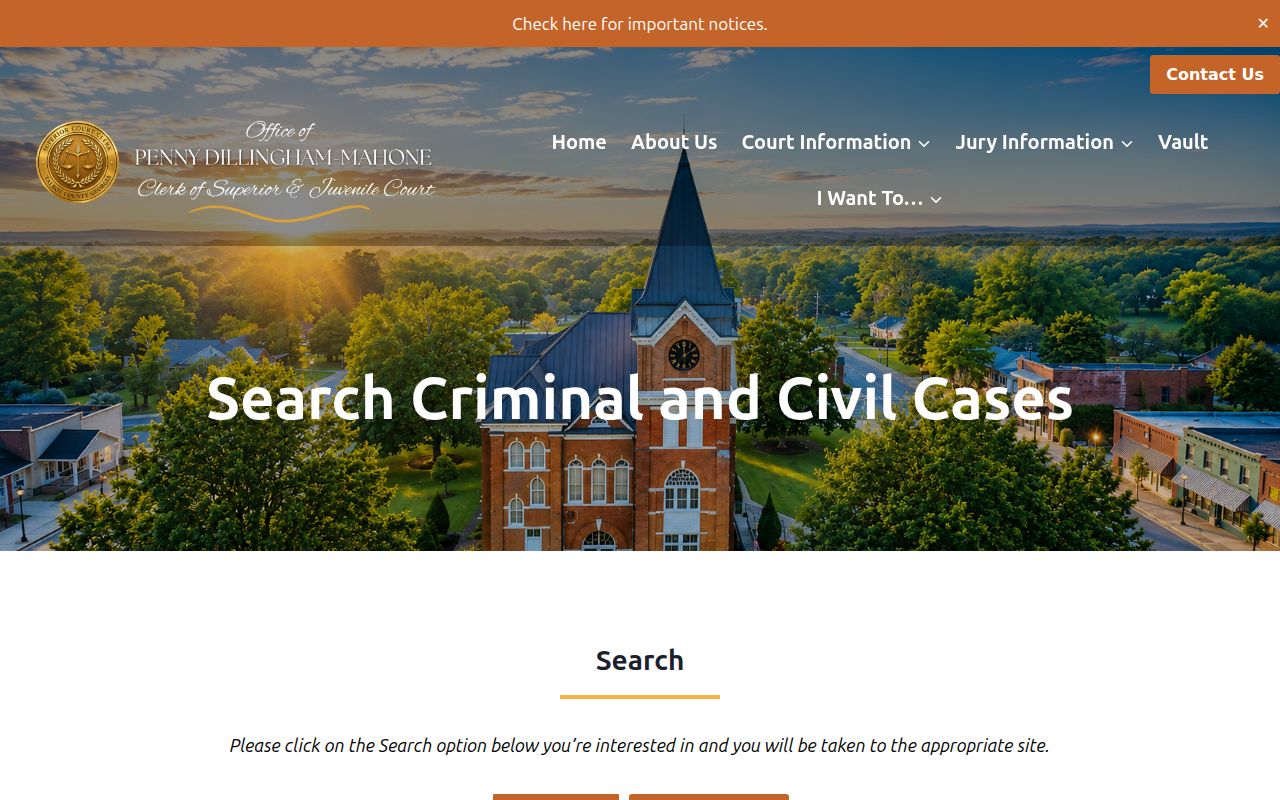
Talbot Superior Court matters begin with the clerk's own tools. The Talbot clerk's Search Criminal and Civil Cases page splits the route into criminal and civil choices. It then points users toward the legacy WebCaseManagement portal. That destination sits behind an access or redirect barrier. Its exact input labels, required fields, and match rules stay unknown. A party name is a weaker key than a case number. Spelling variants, trade names, and shared names can swell the results. When asking the clerk for help, add a court, a case type, and an approximate filing year.
- Identify Superior, Probate, Magistrate, Juvenile, or municipal court.
- Open the official court or clerk route.
- Enter the party name only in fields shown by the live form.
- Narrow the match with the case type and filing period.
- Compare the court, style, and number before opening the record.
| Search fact | Type | Use | Notes |
|---|---|---|---|
| Party name | Text | Fallback | Try supported spelling variants. |
| Court | Selection | Essential | Choose the record's actual custodian. |
| Case type | Category | Useful | Distinguish civil, criminal, probate, or other work. |
| Filing year | Date clue | Useful | Helps separate similar names. |
This table describes search facts documented in the research, not unverified WebCaseManagement controls.
Talbot Court-First Case Search
Not every Talbot County case lives in one office. The Clerk of Superior and Juvenile Court keeps Superior Court records. That court covers felonies, divorce, equity, broad civil cases, and some lower-court appeals. Probate Court handles estates and guardianships. Magistrate Court takes limited civil claims, dispossessory matters, warrants, and preliminary proceedings, while municipal courts may keep city-ordinance and eligible traffic cases.
| Matter | Start here | Contact |
|---|---|---|
| Superior or Juvenile | Talbot Superior/Juvenile clerk | 706-665-3239 |
| Probate | Probate/Magistrate office | 706-665-8866 |
| Magistrate | Probate/Magistrate office | 706-665-3595 |
| City citation | Court printed on the citation | Named city court or clerk |
A miss in one court says nothing about another. Before repeating a docket search, confirm the court name from a pleading, citation, calendar, or prior notice.
Searching by Case Number
The case number is the strongest key to a Talbot County docket. Georgia Uniform Superior Court Rule 39.1 calls for a unique consecutive number. Copy every character. The year, division letters, hyphens, and suffix all matter. The current criminal calendar shows forms like 23-CR-056 and an observed 23-CR-072R1. CR appears plainly on that calendar. R1 has no published Talbot legend, so leave it unexplained rather than guess. Try the complete number first. If a live provider rejects it, compare punctuation with the official calendar. You can also call the clerk. Codes used elsewhere, such as CV, PR, MG, JU, or MC, have no documented Talbot meaning. The clerk can explain the identifier on a specific file. A full number also separates the docket from a calendar item, certified copy request, or real-estate record.
Talbot Legacy Portal Gap
Even with the legacy portal down, the local page still helps. It confirms how the clerk sorts record types. The official route on the court's site directs searchers by criminal and civil case type.
A portal error doesn't end the search. Save the URL and the exact message when one appears. Then try the current calendar index or call the clerk. A failed lookup may reflect the wrong court, an outage, an account requirement, spelling, indexing delay, or a legal restriction.
Portal limit: The blocked Talbot WebCaseManagement portal leaves its field list, ranking method, download behavior, and retention period unknown.
What a Case Search Returns
Treat every hit as a pointer. Rule 39.1 requires county, case name, and unique number. Rules 39.2 and 39.3 describe broader civil and criminal docket fields. No Talbot portal promises that every item appears online, and the public criminal calendar offers only a narrower sample.
| Case number | The unique identifier used to match later records. |
|---|---|
| Case style | The short caption naming the parties or state and defendant. |
| Court and type | The division and general kind of matter. |
| Dates | Filing or scheduled-event dates, depending on the source. |
| Docket events | Filed actions such as service, motion, order, judgment, or disposition. |
| Calendar detail | Setting type, time, judge, and selected case-specific fields. |
A calendar row is not a full case page. It can list a setting without proving the hearing happened, so request the signed order when the court's actual ruling matters.
Verify Talbot Search Results
Check three things before accepting a match. Court, case style, and the complete case number. When two records look alike, add the filing year or event date. On a criminal calendar, an offense label is a charge, not proof of conviction. In a civil matter, a judgment entry points to an outcome. But the signed judgment holds the controlling words. Compare the newest calendar title, event date, and print date. Do this for any near-term hearing. Older PDFs can linger after schedules change. A January 2026 Chattahoochee Judicial Circuit emergency order closed Talbot offices and adjusted some deadlines. That is one reason an online date may need direct confirmation. For formal proof, use the clerk's certified-copy request route after locating the file.
Statewide vs County Case Search
No statewide search returns every Talbot County docket. Georgia keeps no single public trial-court database for that. The Georgia E-Access page works as a directory and router to providers, and a selection may land on an account screen or an outside vendor. PeachCourt is marked mandatory for Talbot Superior e-filing, but e-filing does not guarantee free public access to every filing.
| Georgia route | Talbot County route |
|---|---|
| Directs users to participating court providers | Starts from the Superior clerk's criminal or civil choice |
| May require registration after routing | May reach the legacy portal or clerk fallback |
| Useful when the provider is unknown | Best when the local court and case are known |
| Does not display one complete statewide history | Calendar and clerk can resolve local gaps |
Traffic and federal cases split again. Georgia Courts reports no central state database for traffic tickets. Federal matters run through PACER and the Middle District of Georgia, Columbus Division, not the Talbot clerk.
Talbot PeachCourt Access
PeachCourt is mandatory for Talbot Superior e-filing. The current Georgia e-file chart says so. Provider help names county, court, case number, and party name as search concepts, though exact controls and optional fields need live access, and the PeachCourt access screen is where users sign in for Talbot filings.
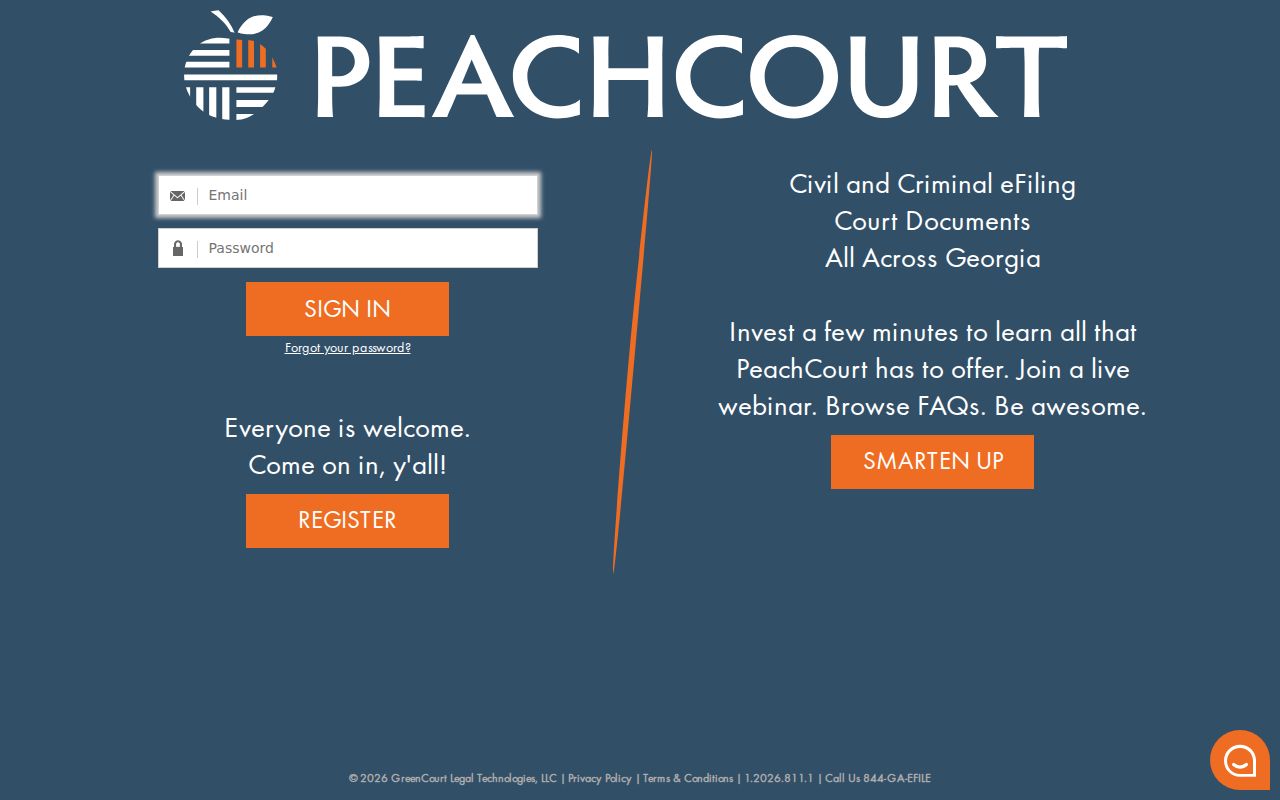
PeachCourt access through a provider may require an account, so don't assume a free Talbot search is open to everyone. The local clerk also posts Odyssey and PeachCourt links. That mix looks like legacy navigation in transition, so check the current state chart before relying on either for filing status.
Need a hearing date? The open calendar index often answers faster. Need a docket entry or document? Call the clerk when provider access gets in the way.
Access and Restricted Cases
Uniform Superior Court Rule 21 makes public access the default. Yet a statute, court rule, or judicial order can seal part or all of a record. Protected information and redacted filings are covered by Rule 21.6. Rule 36.17 puts a duty on parties and counsel to trim sensitive identifiers. Adoption records get special confidentiality under Rule 39.6. Juvenile Court records must be reviewed separately. A search that comes up empty does not mean the case never existed. Ask the clerk whether the matter sits in the wrong court, hasn't been indexed yet, or is sealed. It may also exist only in a public redacted version. Never search with or republish full Social Security numbers, financial accounts, birth dates, or medical details. The same ban covers juvenile identities and protected victim data. The clerk can explain access, but no clerk can undo a judge's sealing order.
Recover a Failed Talbot Search
When a Talbot County docket search stalls, write down the portal. Note your search terms, the date, and the error too. Confirm the right court next. If the question is a hearing, try the current calendar. Then call the correct office and ask whether staff can search by exact case number, filing date, party, or calendar date. For Superior and Juvenile records, the clerk publishes 706-665-3239. The office sits at 26 South Washington Avenue, Talbotton, Georgia 31827, with mail at P.O. Box 325.
Keep any written request narrow. Ask for the public, non-sealed docket entries plus a named public order for a stated case and date range. Request a cost estimate as well, with electronic delivery if available. Georgia's Open Records Act gives a general framework. But court rules, seals, and copy charges still control. The office does not have to build a new database. It also need not research questions that are not existing records.